
Care delivery software for clinics, hospitals, and diagnostic networks

Doctor.G
  • Home
  • Provider Admin

Network administration

Onboard a network, not just a clinic

Guided setup for hospitals, doctors, reception users, and test labs — plus the imagery, dashboard counts, and oversight tools needed to run more than one site.

  • Guided hospital setup
  • Doctor and reception onboarding
  • Lab setup and dashboards
Modern regional hospital entrance

Admin modules

Designed for setup, not back-office storage

Hospital setup wizard

Admins are guided through configuration instead of dropped into a bare form.

  • Hospital info and operating details
  • Ordered image gallery support
  • Review step before submit

Doctor onboarding

Networks create and manage clinician identities in the same surface.

  • Profile and credentials forms
  • Doctor image setup
  • Role-specific account creation

Reception and lab setup

Support roles are part of the operating model, not an afterthought.

  • Reception account and password setup
  • Testlab information and images
  • Offered tests and pricing readiness

Activity dashboards

The admin layer includes live platform visibility.

  • Hospitals, doctors, labs, users counts
  • Appointment and revenue snapshots
  • Recent audit visibility

Media and presentation

Provider assets are part of the brand surface as well as the data model.

  • Hospital ordered galleries
  • Doctor and lab remote images
  • Public profile upgrade path

Administrative control

Foundations for broader platform stewardship.

  • Review moderation
  • Session and user management
  • Feature-access oversight

Growth without forks

Add a site without inventing a new workflow

Each new hospital, clinician, front desk, or lab slots into the same role model — so scale is a data exercise rather than a rebuild.
  • One role model everywhere Doctor, reception, testlab, admin, patient — defined once.
  • Audit and oversight built in Counts, snapshots, and recent activity in the admin layer.
  • Media handled properly Ordered galleries and remote images across provider types.
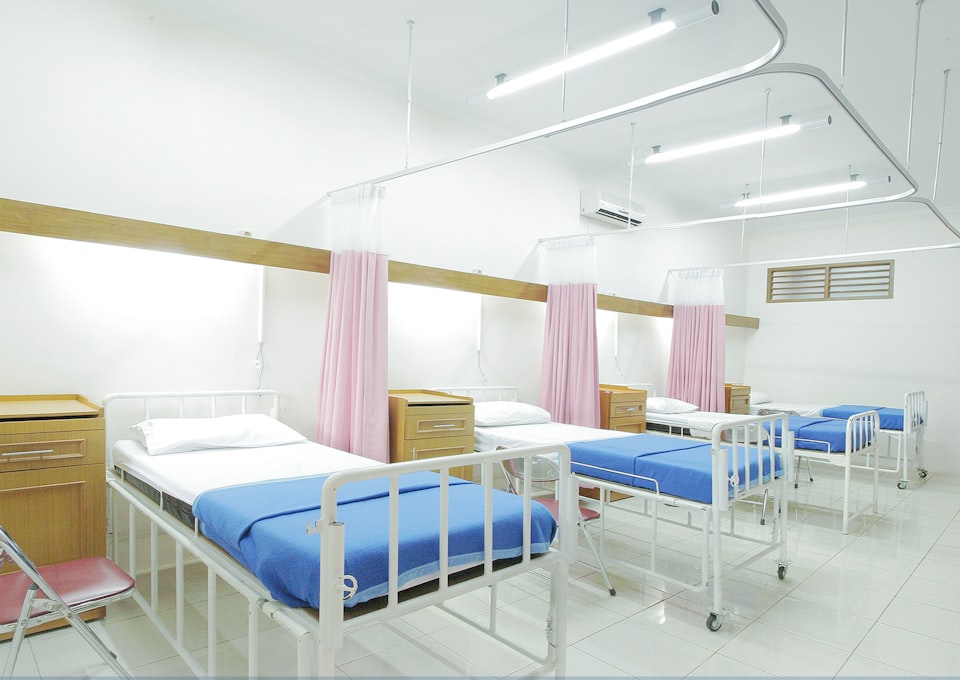
Hospital ward with prepared beds

Plan your rollout with us

Bring your site list and role structure. We will map the onboarding order with you.

  • 30-minute walkthrough
  • Bring your whole team
  • No obligation